
Shop high-quality televisions, refrigerators, air conditioners and home appliances in Ghana at the best prices.
Showrooms in Accra, Kumasi, Takoradi, Techiman and Sunyani.
Pay on delivery in our showroom cities.
info@omekgh.com

Sigma

Sigma SSB-LY-S225 100W Bt-Hdmi-Fm-Optical-USB-Black

Model: SIG-SOUNDS-SSB-LY-S225

GH₵ 575.00

In stock

  • 100 watts of sound for a living room
  • Connects to the TV by HDMI or optical
  • Play music from your phone over Bluetooth
WhatsApp

See delivery options before payment.

Free showroom pickup is available at checkout.

Warranty & installation

Ask our team to confirm the warranty for this model. Installation availability and charges are confirmed before ordering.

Work out what this costs to run each month

Product details

Explore the detailed specifications and features.

The Sigma SSB-LY-S225 is a 100 watt sound bar that takes over the sound for your TV and doubles as a music player on its own. Connect it to the TV by HDMI or optical cable, pair a phone over Bluetooth, plug a memory stick into the USB socket, or tune the built-in FM radio.
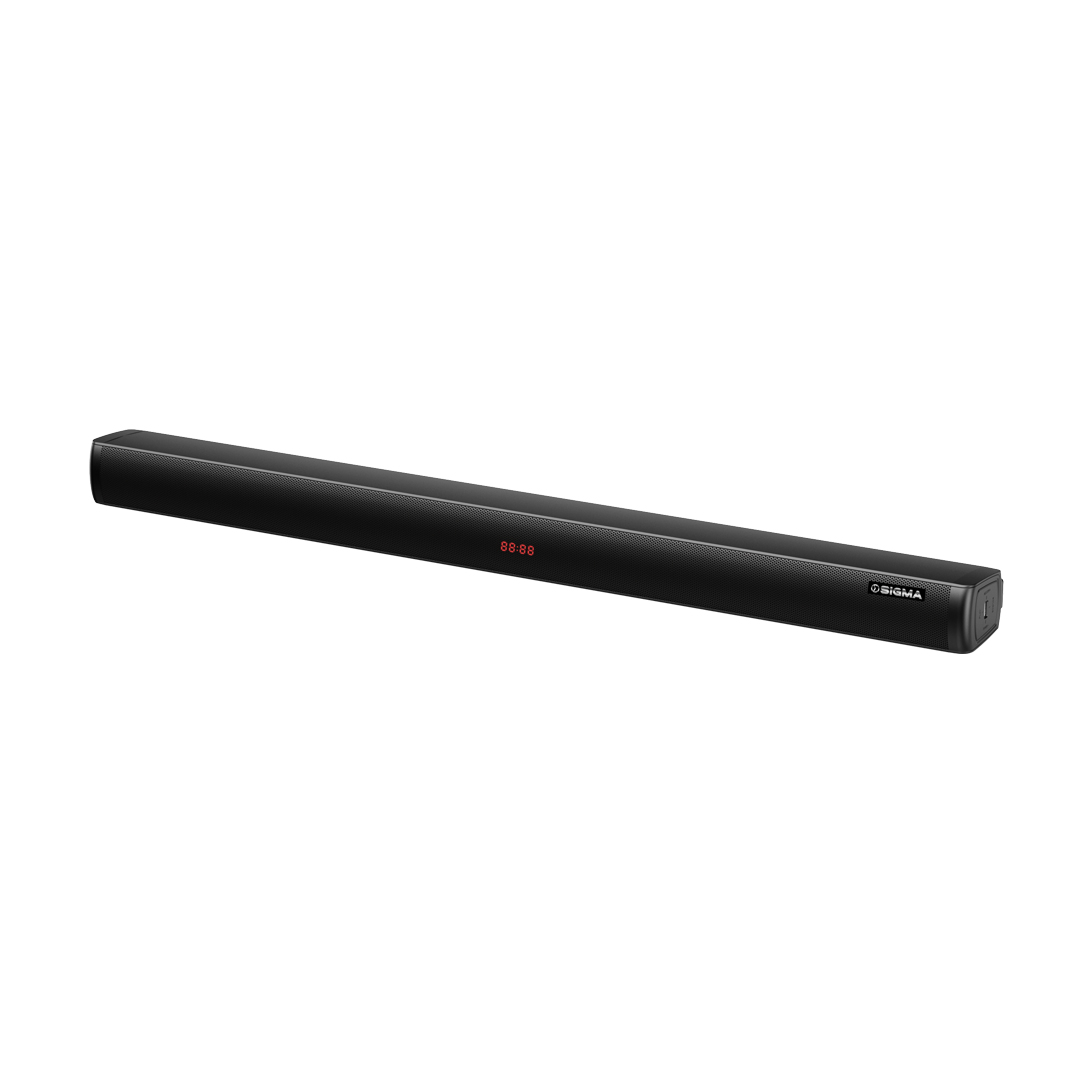
Black Sigma sound bar at an angle, showing the mesh front grille, red LED digits in the centre and the Sigma badge near the right end
The whole speaker is in one cabinet, so there is a single piece to place in front of the TV. The red digits face straight out of the grille rather than sitting on the top edge.
  • Sound with weight behind it. The bar is rated at 100 watts, enough to carry a film soundtrack or music across a living room.
  • Works with the socket your TV has spare. Both HDMI and optical audio inputs are on board, so you can connect to the TV either way.
  • Music from your phone with no cables. Bluetooth pairing lets you play from a phone or tablet from where you are sitting.
  • Keeps playing with the TV switched off. The USB port takes a memory stick of music files, and FM radio is built in.
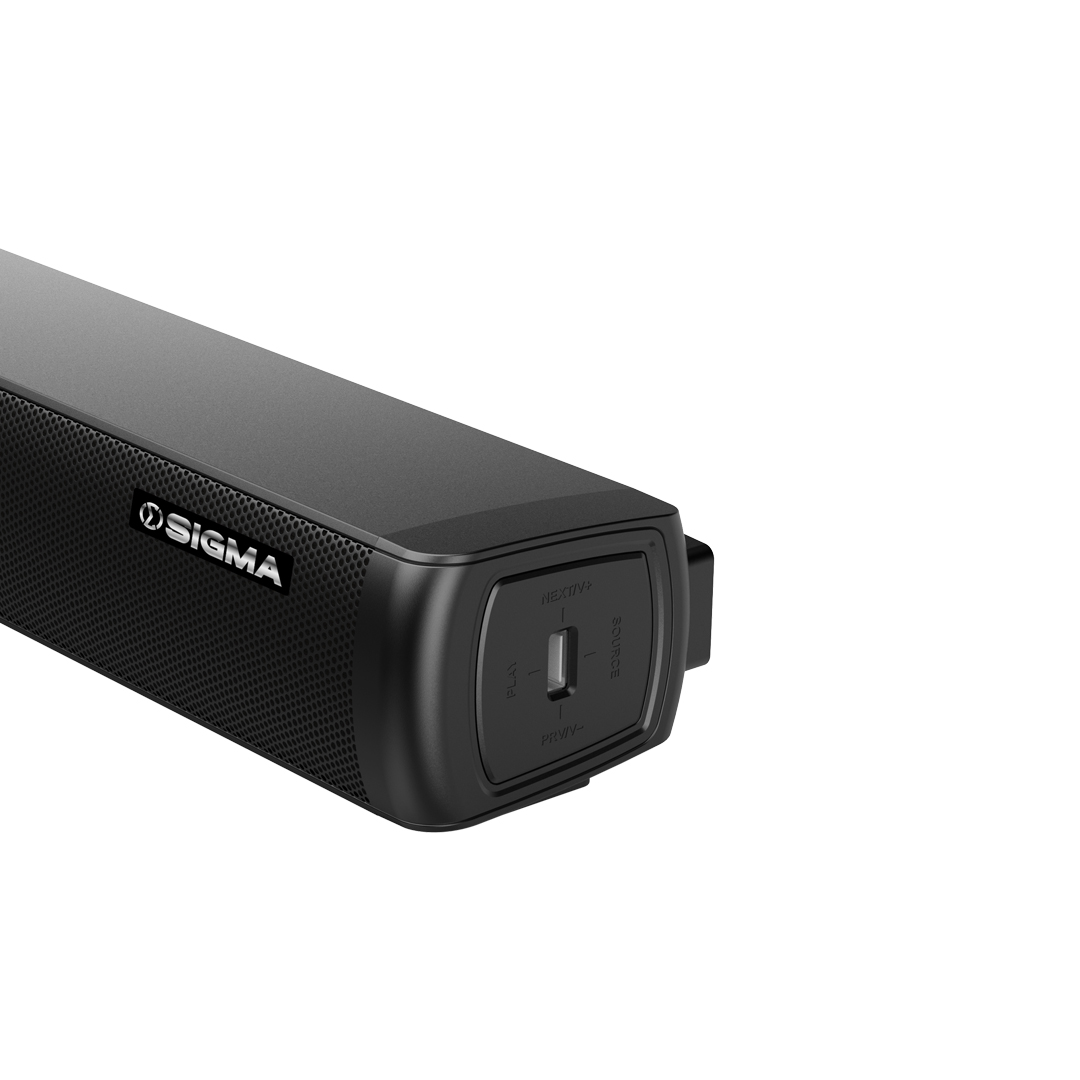
  • Volume and source change on the bar. A four way control on the end panel is marked PLAY, SOURCE, NEXT/V+ and PREV/V-, and the LED display shows what the bar is set to.
Close-up of the right end of the sound bar showing the Sigma logo, a USB socket and a control marked PLAY, SOURCE, NEXT/V+ and PREV/V-
One control does the lot: press for play, sideways for source, up and down for volume. It is on the end panel, so you can reach it with the bar pushed back against the wall.

The USB socket sits on the same end panel as the control, which means a memory stick goes in from the side instead of behind the unit.

HomeShopSearchAccount